 NearDeck

NEARDECK / PHONE MONITORING MADE SIMPLE
See the activity.
Understand the day.
Location, calls, conversations and screen time.
Bring the details together in one powerful view.
Interactive preview with fictional data. No account needed.
 N
SEE WHAT EACH FEATURE HELPS YOU UNDERSTAND
A place. A conversation. A habit.
Here’s how the details come together.
Try the examples below. Choose a place, open a contact or compare app activity to see what each view is for.
Where were they?
See the place and the timing.
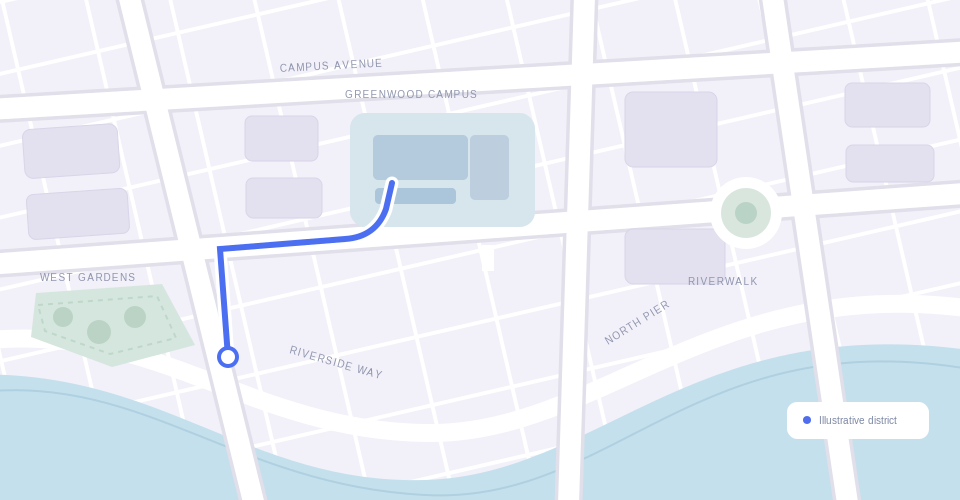
One location gives you a point. The history shows the stops around it. Select a sample place to see its time and safe-zone context.
- Check the place and reported time.
- Follow earlier stops in order.
- See whether a stop is inside a saved zone.
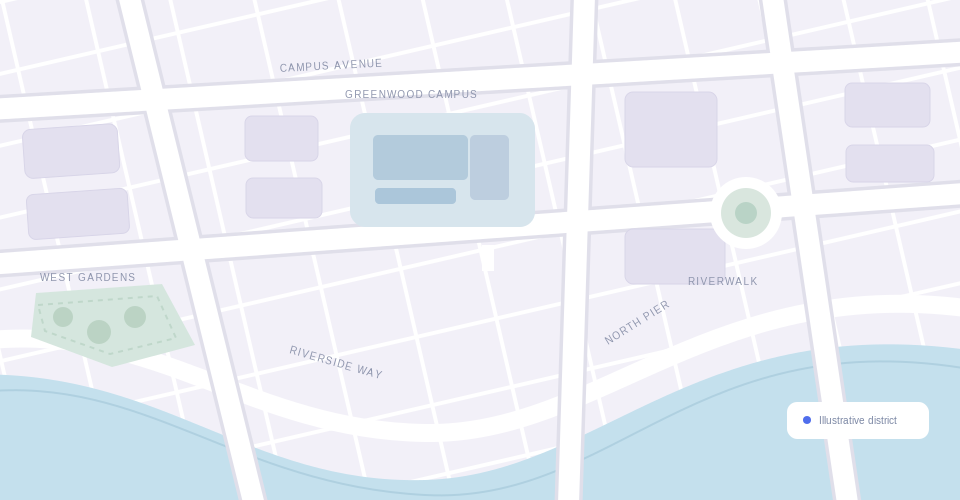
Greenwood School
Inside the saved school zone.
Choose a pin or a stop below the map.
What’s the conversation?
Read it with context.
Choose a contact to follow a sample thread. Switch to the call log to see the direction, time and duration of each connection.
- Keep the contact beside the conversation.
- Read messages in chronological order.
- Separate messages from incoming and missed calls.
Alex
SMS / Fictional conversation
Incoming · 2 min 18 sec
Outgoing · 46 sec
Missed call
Direction, duration and time help explain each connection.
Choose a contact to change the conversation.
Where does the time go?
Make the pattern visible.
See time spent across sample apps, then select one to explore its pattern. Switch between a day and a week for a different perspective.
- Compare time spent across apps.
- Choose an app for its own activity chart.
- Switch the period without losing your place.
34 min
Choose an app or change the period to compare the activity.
THE DETAILS AROUND THE DAY
Photos, searches and reminders.
Each with its own place.
See what’s in the gallery.
Browse sample photos, open an image and keep its details in view.
Explore photos ↗Understand search activity.
Review sample search topics with their categories and timestamps.
Explore searches ↗Keep daily details together.
Open reminders, notes and calendar examples from the same workspace.
Explore reminders ↗THREE CLICKS TO A CLEARER VIEW
Open. Explore.
Find your way.
Start with the day.
Open the overview and get familiar with the sample device’s activity.
Open the overview ↗02Choose your detail.
Pick a category or use search to go directly to the view you need.
Find a view ↗03Know what comes next.
Check browser access, intended Android setup and current availability.
Check compatibility ↗CLEAR ANSWERS, UP FRONT
Before your
next click.
Learn what the preview offers and how the intended product is designed to work.
What can I explore right now?+
Open sample conversations, filter calls, compare screen time and explore location history. Try now opens the interactive workspace without a NearDeck account.
Is a real device connected?+
The preview uses fictional data. Real device pairing and private collection are in development.
Which screens are supported?+
The browser preview adapts to desktop, tablet and mobile. The intended device companion is for Android. See Compatibility for availability.
Can I sign in or create an account?+
The account screens demonstrate sign-in, registration and recovery. Production accounts, provider sign-in and billing are in development.
NEARDECK / ONE POWERFUL VIEW
Bring the details
into focus.
Try now ↗Interactive preview · Fictional sample data